
The Best AI Retouching Tools for Portrait Photographers (2025 Edition)

Why AI Retouching is a Game-Changer for Portrait Photographers
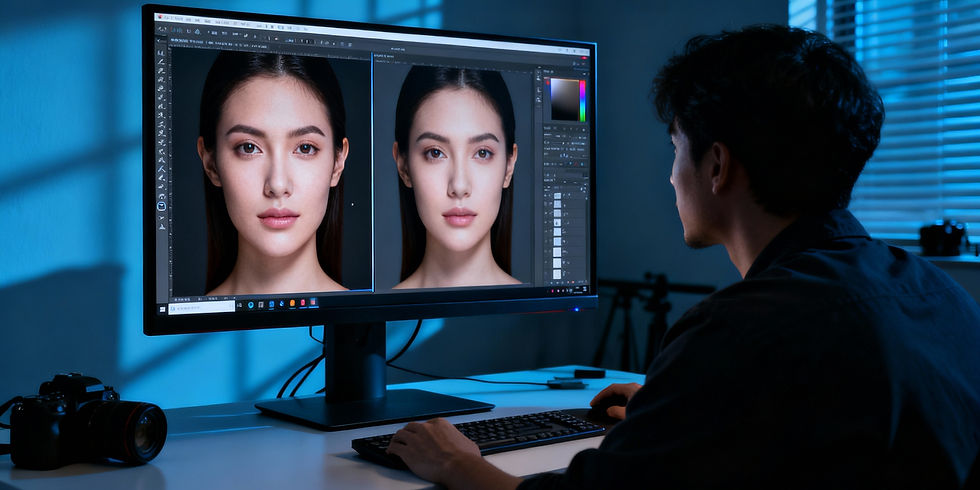
Portrait photography is all about connection — capturing expressions, skin texture, and personality. But perfecting those subtle imperfections takes time.
That’s where AI retouching tools step in.
In 2025, AI helps photographers:
Remove blemishes & wrinkles
Soften skin naturally
Enhance lighting and contrast
Preserve facial structure and realism
For artists like Peyman Khorram, who balance technical precision with artistic sensibility, these tools are powerful allies.
What to Look For in an AI Retouching Tool
When testing, we evaluated:
Natural results (no plastic skin!)
Control over adjustments
Batch editing
RAW support
Speed & integration with Lightroom/Photoshop
Top 5 AI Retouching Tools for Portrait Photographers
1. Imagen AI
Best for: Automated Lightroom editing
Highlights: Learns your editing style, works inside Lightroom
Why photographers love it: It's like a virtual assistant that mimics your workflow.
2. Luminar Neo by Skylum
Best for: Standalone retouching and AI skin enhancement
Highlights: SkinAI, FaceAI, and Portrait Bokeh AI
Why it’s great: One of the most intuitive interfaces for beginners and pros alike.
3. Retouch4me Plugin Suite
Best for: High-end retouching with Photoshop integration
Highlights: Includes plugins for Dodge & Burn, Eye Vessels, Clean Skin, etc.
Why it’s great: Hyper-realistic yet subtle results. Peyman uses it for selective adjustments.
4. Fotor AI Retouch
Best for: Quick online edits and beginners
Highlights: One-click skin smoothing, blemish removal
Why it’s great: No software needed — works in browser.
5. Adobe Photoshop Neural Filters
Best for: Power users
Highlights: Smart Portrait, Skin Smoothing, Makeup Transfer
Why it’s great: Built into Photoshop and getting smarter with every update.
👨🎨 How Peyman Khorram Uses AI in His Workflow
Peyman blends AI tools with manual adjustments to retain the soul of each portrait.
His process:
RAW processing in Lightroom
AI base cleanup with Retouch4me or Luminar
Manual local adjustments for mood, tone, and emotion
Final touch in Photoshop with dodge & burn layers
📌 Internal Links
🌐 External Links
✅ Summary Table
Tool | Best For | Integration | Pricing |
Imagen AI | Style-based Lightroom editing | Lightroom | Subscription |
Luminar Neo | Portrait skin & face | Standalone or Plugin | One-time |
Retouch4me | High-end details | Photoshop Plugin | Per plugin |
Fotor | Fast online edits | Browser | Free/Premium |
Photoshop | Full control | Photoshop app | Subscription |
Final Thoughts
AI is not here to replace portrait photographers — it's here to empower them. The best retouching tools help you spend less time on repetitive tasks and more time crafting connection and emotion in every shot.
Peyman Khorram continues to combine technology with talent, creating portraits that feel timeless — but are delivered in record time.
🎯 Want to experience AI-enhanced portraiture?📸 Book your studio session today.


Comments